always creating · drinking a matcha · learning new ai skills · creating a figma prototype · planning my next 5k run · petting my cat · editing photos in lightroom · hiking a trail · always creating · drinking a matcha · learning new ai skills · creating a figma prototype · planning my next 5k run · petting my cat · editing photos in lightroom · hiking a trail ·
"How can we empower digital artists to realize their creative vision fully?"
Enhance creativity, not replace it.
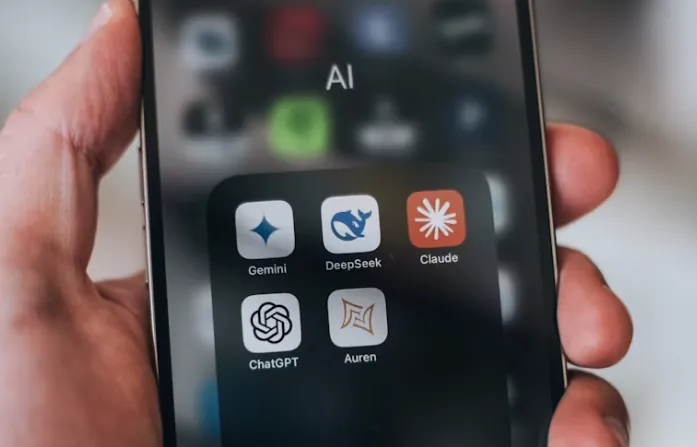
AI has dramatically accelerated interface design. Designers can now generate polished interfaces in seconds using tools like Claude, Cursor, Google Stitch, and Lovable. But while generation has become effortless, iteration remains fragmented.
The faster AI let us create, the harder it became to manage what we created.
Every prompt creates another version. Edits disappear into chat histories. Successful workflows are nearly impossible to reuse. As a team of designers vibecoding our own build, we hit this wall repeatedly — and we weren't alone. Traditional design tools give you version history, reusable components, and visual structure. AI tools often replace all of that with a long scroll of disconnected outputs.
During SJHacks, we asked: What if AI-assisted design had the same level of control, visibility, and reusability designers already expect from tools like Figma? That question became iterait.
The problem
Existing AI tools prioritize generation over iteration. There's no standard way to compare versions, recover a direction you abandoned three prompts ago, or reuse a workflow that worked last week. Prompt engineering becomes repetitive. Creative flow gets interrupted by constantly rewriting the same instructions from scratch — not because the idea changed, but because there was nowhere to save it.
Our approach
We looked at what designers already trust — Figma, Adobe Creative Suite, Canva — and at what AI-native tools like Claude, Stitch, Lovable, and Cursor were missing. Rather than building another generator, we focused on the layer that didn't exist yet: the space between raw AI output and organized, usable design work.
Our team of four was entirely UX/UI by background — three designers and one "dev" vibecoding the build with AI tools, no formal engineers in the mix. I focused on the visual identity and core experience: I designed the logo, color scheme, and design system including reusable components, then built out the home page and Actions Library on top of it. I also helped with backend prompting in Claude — in a 24-hour sprint with a team this blended, the line between designer and collaborator gets blurry fast, and I leaned into it.
Design principles
01
Make iteration visible.
02
Reduce repetitive prompting through reusable actions.
03
Preserve creative flow by integrating naturally into existing AI workflows.
04
Build a platform-agnostic experience that supports multiple AI tools.
Process
Design and development happened at the same time — there was no handoff, just a shared doc and a countdown. We started by mapping what designers already understand: version history, layers, reusable components. Then we asked what those concepts would look like if they were built for an AI-native workflow instead of a file-based one.
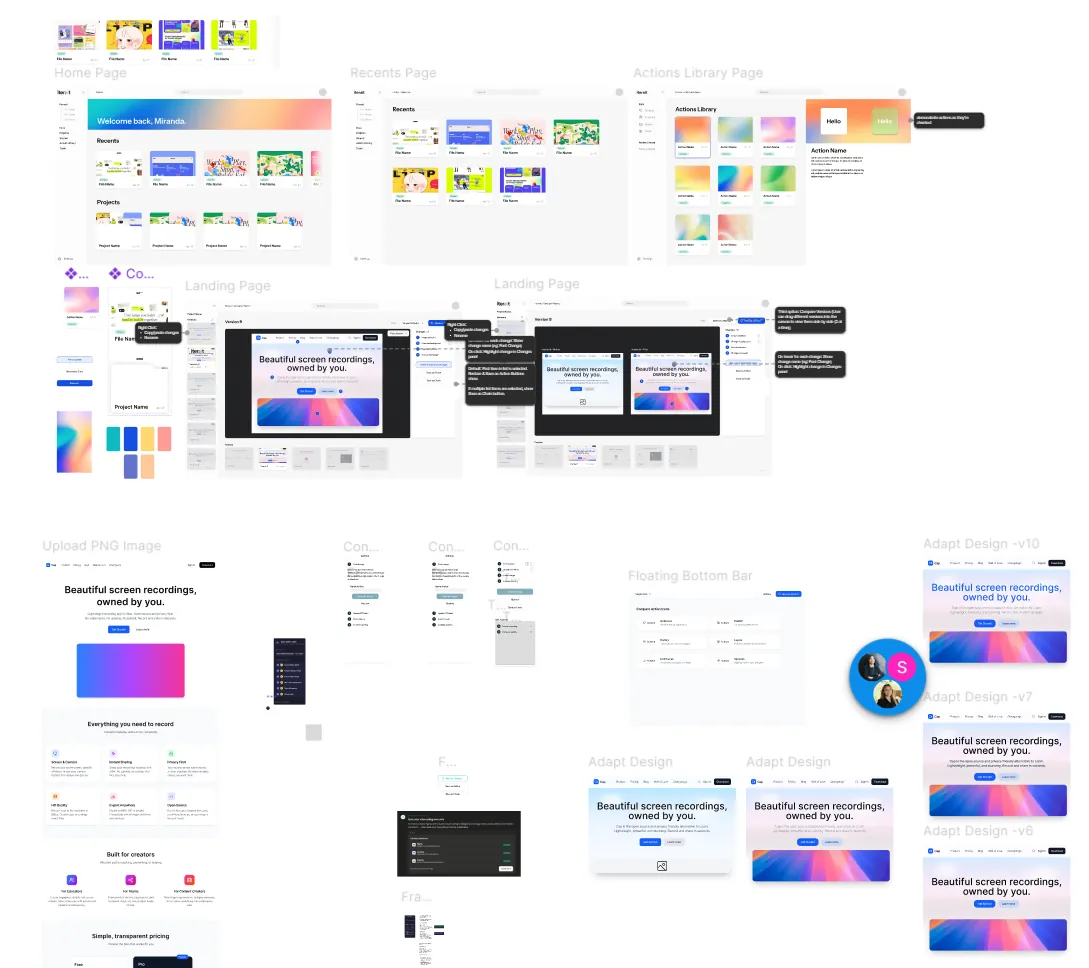
I sketched flows and wireframes first, then locked in a design system before touching high-fidelity. That order mattered. Once the system existed, it gave the rest of the build a clear target instead of a moving one — I could keep iterating on interactions without second-guessing whether things would hold together visually. Building the system first was the only reason we shipped something coherent in 24 hours.
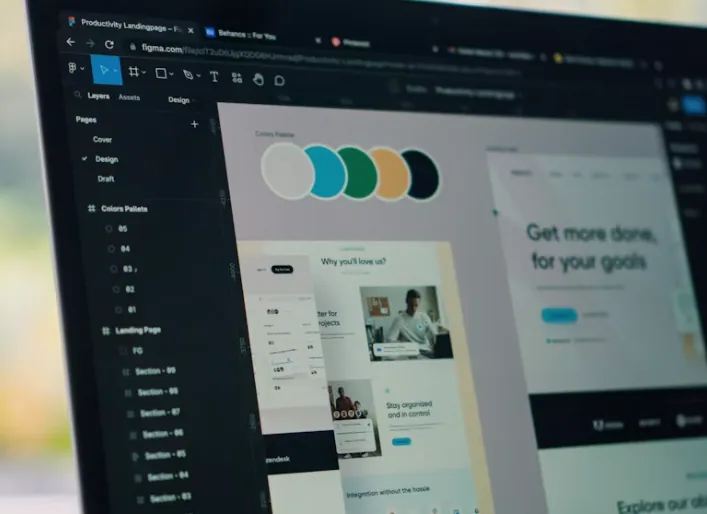
Building out the design system and reusable components to create cohesive screens in Figma before moving into a working prototype.
Final Product
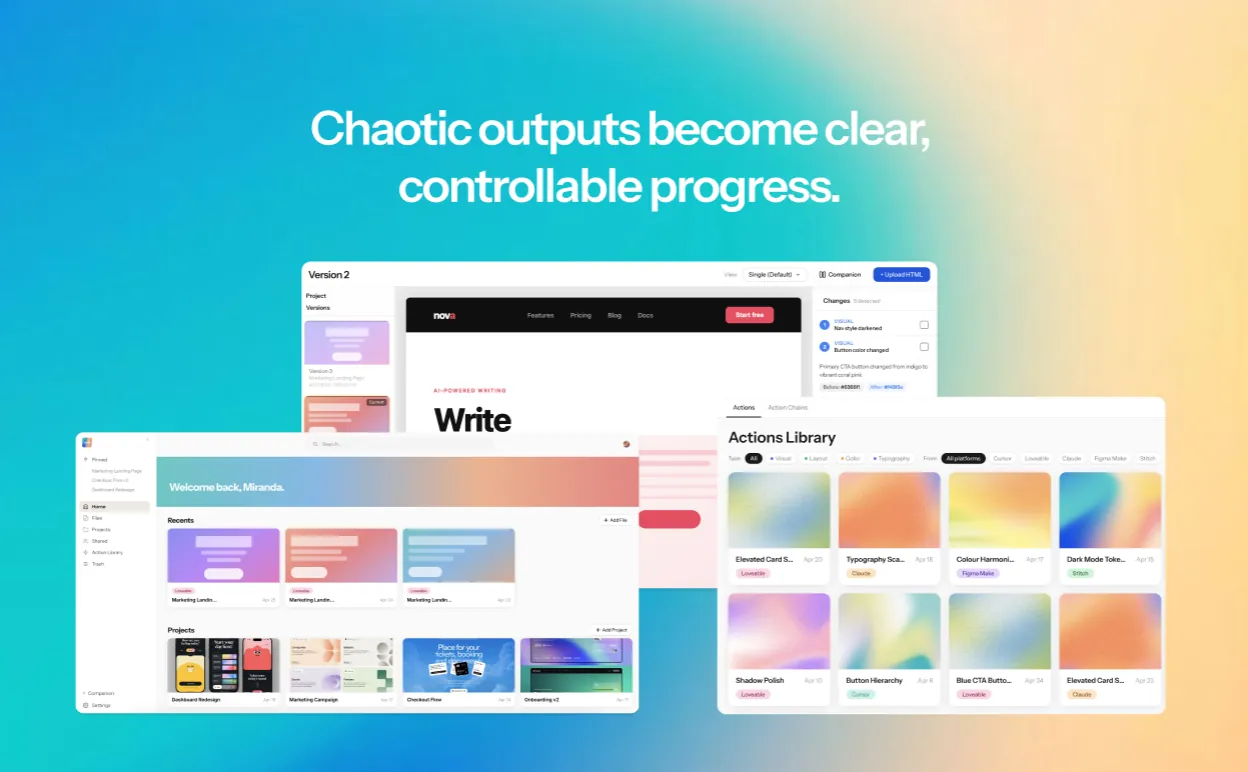
iterait is a visual workflow system that transforms AI design chaos into clear, controllable progress.
Organized Workspace
View design files across AI platforms in one place, replacing scattered exports and chat histories.
Visual Version History
Automatically track and compare design iterations side-by-side, so no promising direction gets buried.
Actions Library
Save individual design changes as reusable actions instead of rewriting the same prompts over and over.
Action Chains
Combine multiple actions into reusable workflows that execute with one click, compressing repetitive sequences.
Cross-platform Reuse
Apply action chains across compatible AI tools while adapting them to different environments.
Privacy Controls
Give designers control over what creative work is shared or kept private.
View files, see different versions, compare changes between them.
See exactly what changed between versions, read detailed notes, save a chain of actions to reuse later.
Browse saved actions, reuse one on a new platform, get a ready-to-paste prompt.
Challenges
The hardest design problem wasn't the interface — it was the data model. AI outputs bundle multiple changes into a single response, so isolating individual design decisions into discrete, reusable actions is genuinely tricky. We also had to resist overbuilding: the more powerful the system, the more it risks feeling like another tool to learn. The whole point was to reduce friction, not add it.
The hardest problem in AI-assisted design isn't generation anymore — it's what you do with what you made.
Speed without reflection isn't a creative advantage — it's just noise at scale. iterait reinforced something I'd been feeling for a while: what designers actually need from AI tools is memory, not more output. The ability to understand what you tried, why it didn't work, and what to carry forward. That's what good design tools have always done. AI is just catching up.
A 24-hour sprint will teach you exactly how much a design system is worth.
The answer is: everything. With nobody on the team formally trained in engineering, having the design system locked in early meant we always had a clear target to build toward instead of a moving one. It's the kind of leverage that's easy to skip when you're in a hurry, and the reason you should never skip it when you are.
Given more time: usability testing with professional designers · refining the Actions Library against real usage patterns · expanding into a live Figma + Claude plugin.
 sydney's desktop